
Shotcut
Shotcut is a free, open-source non-linear video editor for Windows, macOS, Linux and BSD.
Windows
Open source

CapCut for Windows is ByteDance's desktop video editor, with a timeline, templates and export presets for short and long videos.
Average 0.0 · ratings: 0
Thank you! Your rating is saved; you can change it. Could not save the rating. Please try again later. Too many ratings from your network today. Please try again tomorrow. The average appears after 5 ratings.
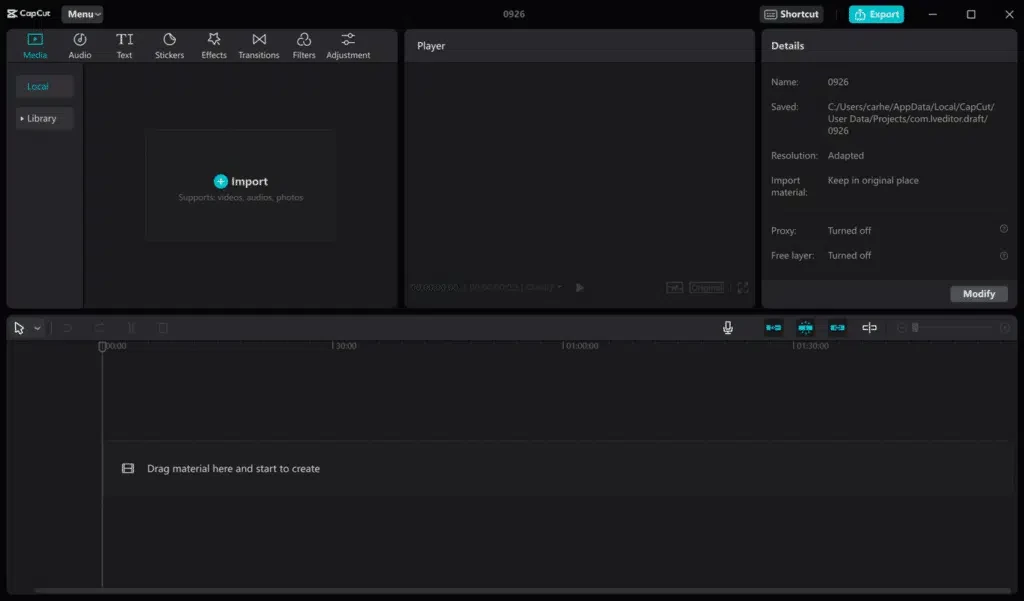
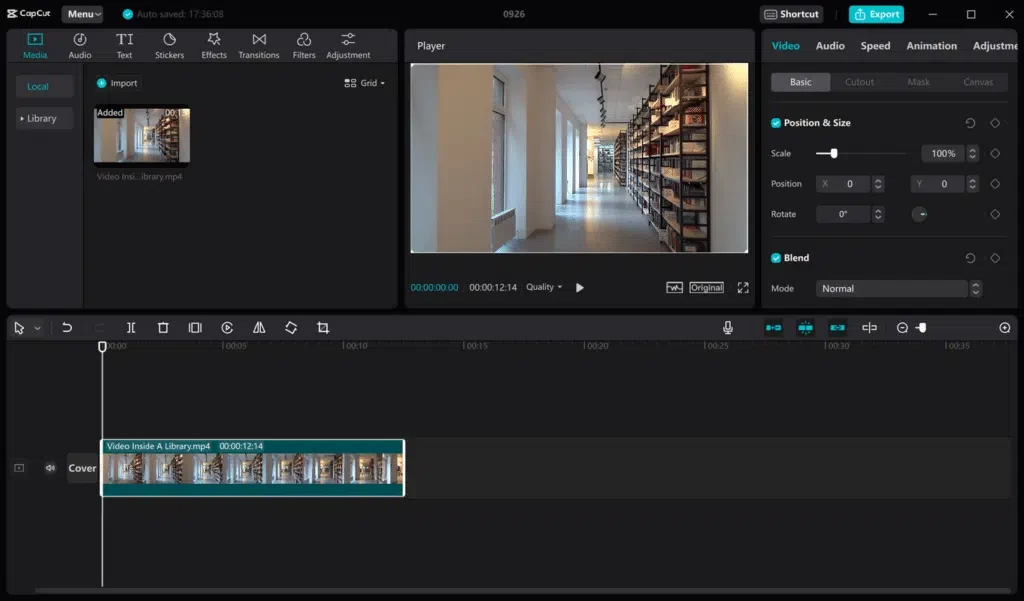
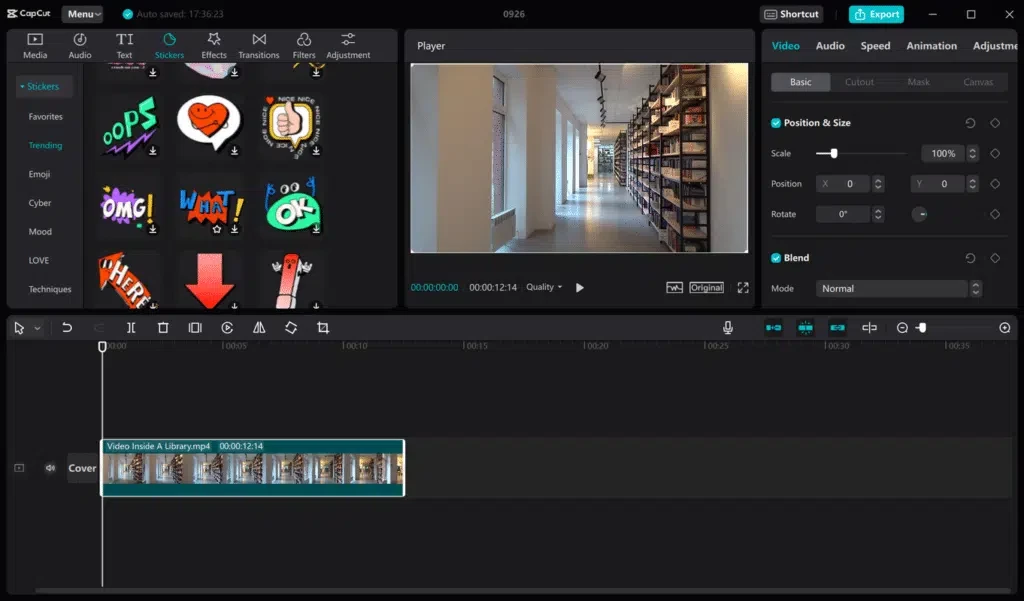
CapCut 9.5.0.4050 for Windows is ByteDance's video editor for the desktop, and the right place to download it is the official CapCut website. This page answers the questions people usually ask before putting it on a PC.
CapCut is video editing software that began as a mobile app in April 2020 and later expanded to Windows, macOS and the web. The Windows version keeps the look of the phone app but uses the extra space well: a full-width timeline, a media panel for your clips, a preview window and a properties panel for whatever you have selected. You can cut and arrange footage, add music and voice-overs, overlay text, apply transitions and filters, and export for vertical or horizontal platforms. It fits people who make regular content for social networks, small businesses producing product clips, and anyone who wants to edit family videos without the steep learning curve of professional software. Projects can sync with the mobile app through a CapCut account.
The build on this page is 9.5.0.4050, updated at the end of August 2026 and published by ByteDance Pte. Ltd. Its size is about 533.75 MB according to catalogue data. CapCut releases desktop updates often; the installer from the official site always fetches the current one.
CapCut does not list detailed hardware figures in the data we have. In practice, video editing benefits from a modern processor, a dedicated or recent integrated graphics chip and a fast SSD for project files. On older PCs, lower the preview quality to keep playback smooth.
Yes, the editor is free to download and most everyday tools work without paying. A subscription unlocks extra effects, templates and cloud storage.
The installer from capcut.com is. Cracked "CapCut Pro" builds on third-party sites are a common source of malware and may steal account credentials. Check the address bar before downloading and keep the program updated.
ByteDance announces new features on the CapCut new release page.
Shotcut is a free open-source editor, DaVinci Resolve covers professional editing and colour work, and Format Factory helps convert video files. All three are in the same category.
Shotcut is a free, open-source non-linear video editor for Windows, macOS, Linux and BSD.

CapCut Web is ByteDance's online video editor that runs in the browser, with templates, text, effects and export for social media videos.

VLC media player is a free, open-source video and audio player for Windows from the VideoLAN team. The current release is 3.0.24.

Green Free Video Converter is a small free Windows program for converting video files between common formats for phones, players and editors.

Format Factory is a free Windows multimedia converter from Free Time for changing video, audio and image files between formats.

Streamlabs OBS, now called Streamlabs Desktop, is a free open-source Windows app for live streaming and recording with built-in alerts and overlays.

Free Cam is a free screen recorder for Windows from iSpring Solutions for recording screencasts with voice-over and trimming them before export.

TikTok for Windows is the desktop app of the short-video platform from TikTok Pte. Ltd., available free from the Microsoft Store.

Iriun Webcam is a small free Windows program that turns an Android phone or iPhone into a wireless webcam for video calls and streaming.